The client portal
- Client portal and website
A space with your brand where clients sign quotes, check their orders and find the documents they need.
Before a job, the same questions come back: which quote is current, what is arriving and when does it return? The client portal gives the person hiring from you one place to check, while your team keeps working from the records in Filmo.
A familiar place for the client
Link to this section: A familiar place for the clientSet your logo, accent colour, typography and welcome text. Choose which sections and actions are available, then adjust access for individual contacts when they need different information. An invitation gives someone access to the contact they were invited for.
From approval to the return
Link to this section: From approval to the returnClients can read and sign quotes, download the documents available to them, follow order dates and equipment, and report damage. With delivery note review enabled, they can check the equipment received against the order. Their messages stay with the document they are discussing.
For example: one event, several questions
Link to this section: For example: one event, several questionsImagine an event coordinator hiring lighting for a conference. They open the quote to approve it, check the planned return date and report a damaged fixture with its order attached. Your office has the same context instead of piecing it together from separate messages.
Set up access before inviting
Link to this section: Set up access before invitingReview the portal settings and the contact’s permissions first. Signing needs both the document section and the signing action enabled. A document appearing in the portal does not send the client an email automatically; send it when you want to draw their attention to it.
Use it today
Link to this section: Use it todayThe guides and recordings below describe Filmo today. Screens and available options may have changed since this update.
Start with Client portal settings to set your brand and visible sections, then invite the client. Review access separately for each person who needs the documents.
Use delivery note review to understand what the client’s checks record. When previewing, avoid marking a delivery note: those review marks are saved.
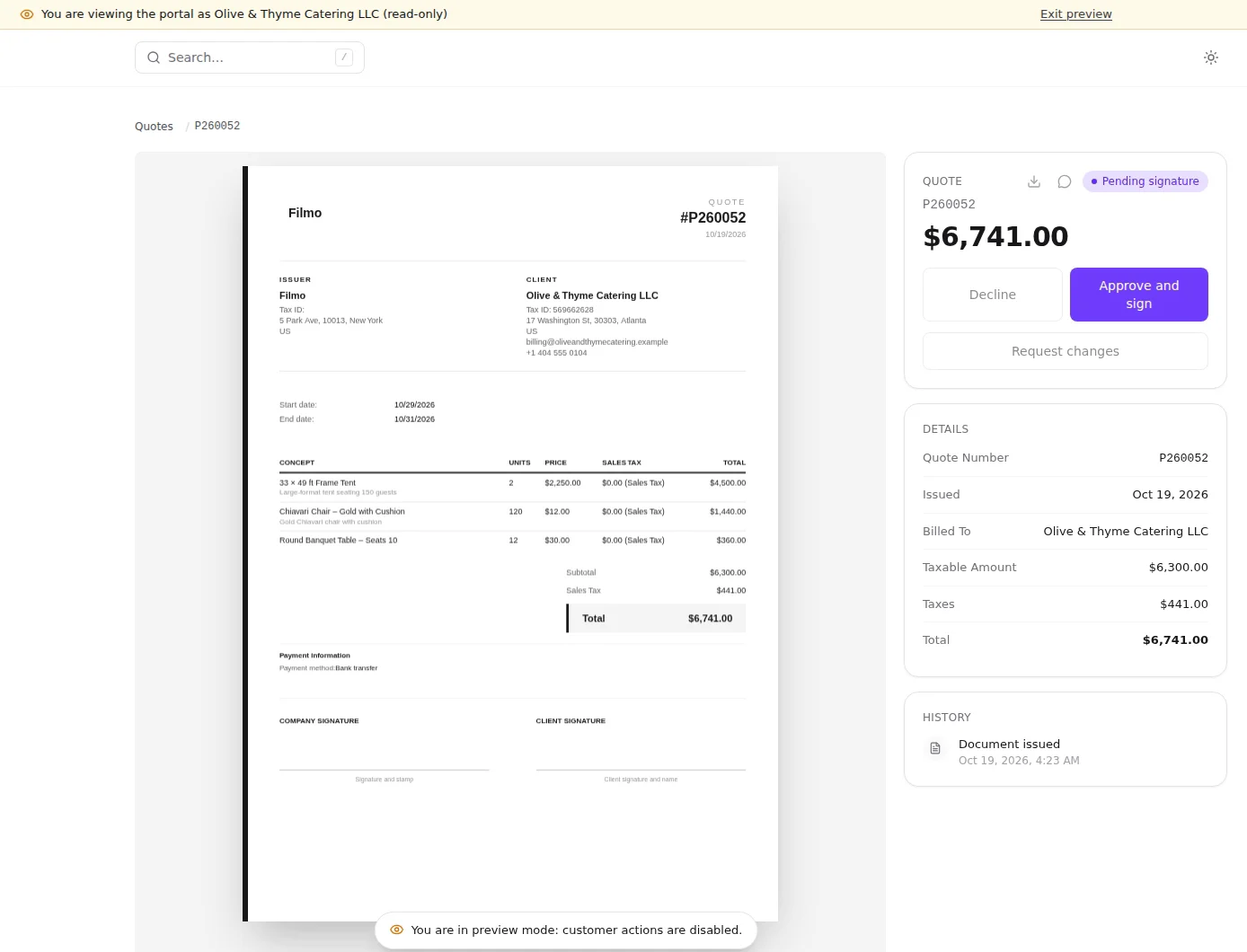
Real product captures keep the language and theme of the recorded interface.
Related help articles
- How the client portal worksClient portal and booking website
- Client portal settingsClient portal and booking website
- Change what one client sees in the portalClient portal and booking website
- Invite a client to the portalClient portal and booking website
- Orders, equipment and delivery note review in the portalClient portal and booking website
- Let clients report incidents and see yoursClient portal and booking website
Related updates
Stay up to date
Get product updates, new blog articles, Filmo announcements and templates in your inbox.