Workflows
- Workflows
A documented way to turn recurring operational tasks into a sequence of triggers and steps.
Define the routine once
Link to this section: Define the routine onceWhen a reserved order needs a delivery email and a reminder task, those actions follow the same pattern each time. Workflows describes that pattern as a trigger followed by steps. The current help marks Workflows as coming soon and says its pages cannot yet be opened; this entry explains the intended workflow, not confirmed access in every account.
Choose what starts it and what follows
Link to this section: Choose what starts it and what followsThe documented editor starts from a template or an empty workflow. A Filmo event, a schedule or a manual launch can initiate the sequence. Actions, email steps and conditions express what should happen next. Start with one clear routine, its recipient and the records it should affect.
Separate preparation from activation
Link to this section: Separate preparation from activationEditing saves a draft; the published version is what runs. Live enables automatic starts, while Paused stops those starts and still allows manual runs where available. Administrators manage workflows, and steps act with the creator's permissions and connected accounts. Plan those responsibilities before enabling a routine.
Use it today
Link to this section: Use it todayThe guides and recordings below describe Filmo today. Screens and available options may have changed since this update.
Use How workflows work to prepare a simple recipe: for example, order reserved → create a preparation task. Write down the trigger, the task owner and the information the task should contain. The current guide marks access as coming soon; the documentation and demonstration below do not establish that it is enabled for your account.
When access is available, follow Create a workflow from a template and check every step before publishing and activating it. Confirm the creator has the required permissions and mailbox connection, and inspect the first run's results.
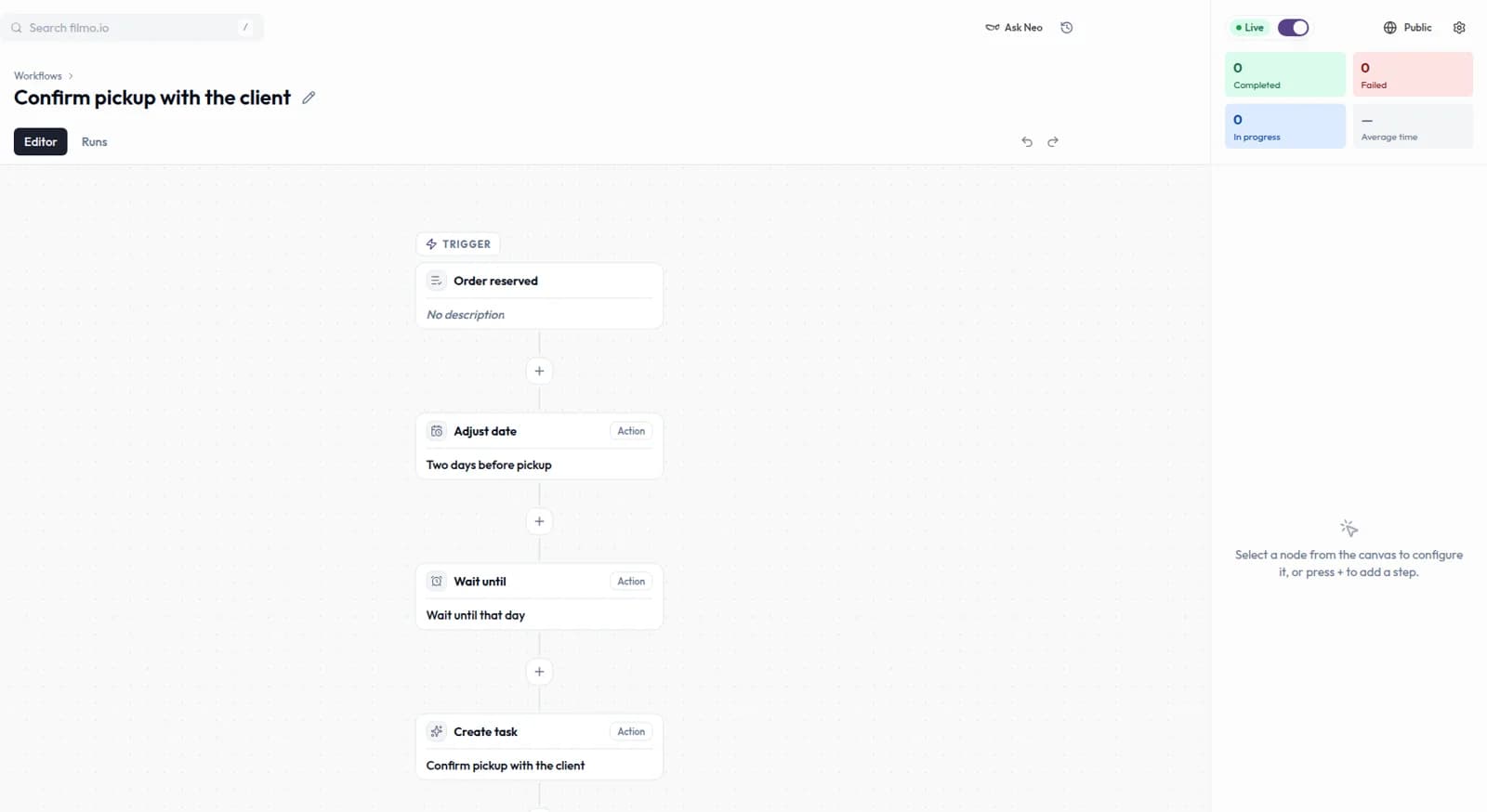
For a video overview, see Your first workflow in Filmo Academy.
Watch: Your first workflowReal product captures keep the language and theme of the recorded interface.
Academy videos have English audio and captions, including on Spanish lesson pages.
Related help articles
Related updates
Stay up to date
Get product updates, new blog articles, Filmo announcements and templates in your inbox.