Credit notes and simplified invoices
- Finance
Correct an issued sale without rewriting its invoice, and document quick counter sales with a simplified invoice.
Record the correction separately
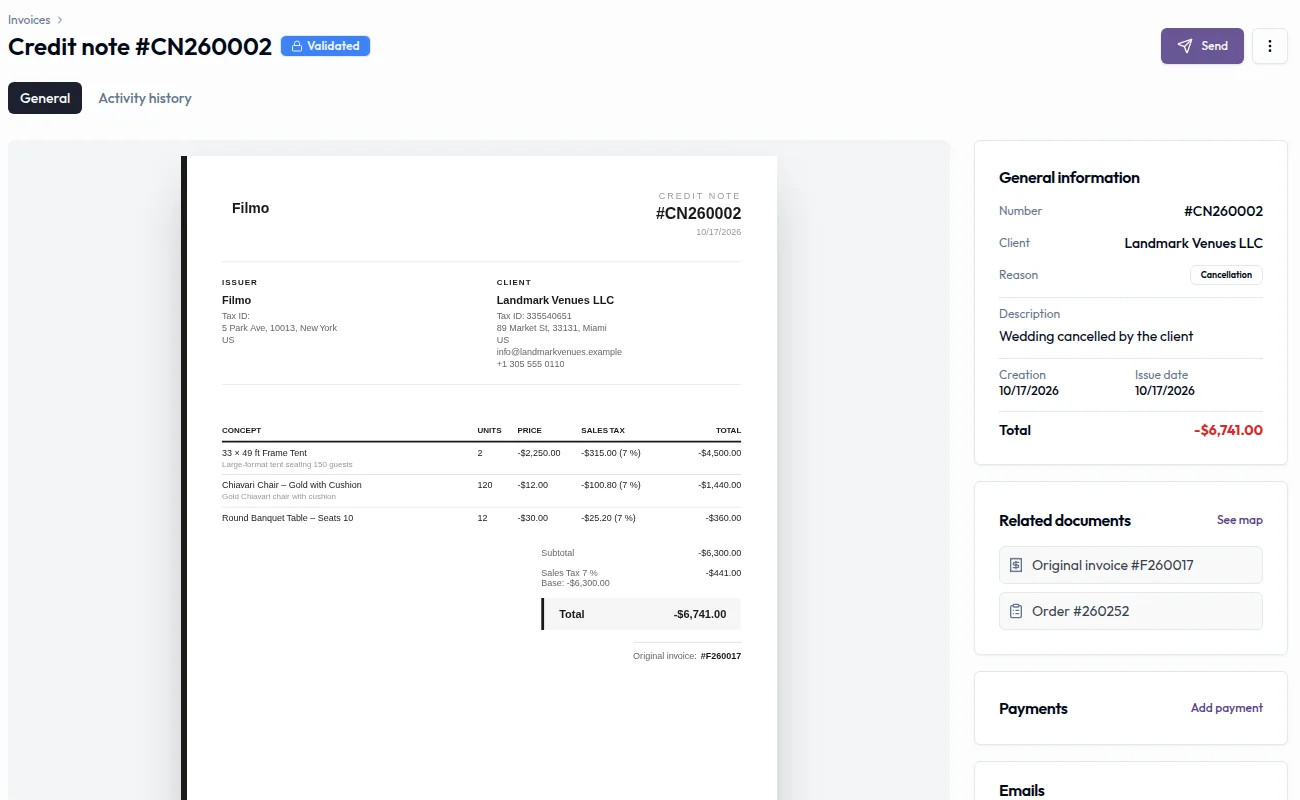
Link to this section: Record the correction separatelyIf you agree to credit 20 unused chairs after an event, create a credit note from the original invoice and review the amount to reverse. The original invoice stays intact; the approved credit note has its own number and records the correction. It can cover all or part of the sale.
A credit note and a refund are separate
Link to this section: A credit note and a refund are separateAn approved credit note changes the order's actual revenue and appears in the client portal, but issuing it does not return money. Record any refund separately on the credit note. Before approval, check the original amount and previous corrections: Filmo does not stop you from crediting the same invoice twice or crediting too much.
A document for counter sales
Link to this section: A document for counter salesFor a customer buying four rolls of tape, create a simplified invoice from Sales → Invoices. A client record is optional. Review the draft, approve it to give it a number, and record the payment. If the buyer later needs a full invoice, use the conversion flow instead of issuing a second unrelated sale.
Use it today
Link to this section: Use it todayThe guides and recordings below describe Filmo today. Screens and available options may have changed since this update.
Open the invoice and choose Convert to → Credit note, then follow Create a credit note for an invoice. Check the correction before approving: approval locks the document, and a refund must be recorded separately. The lesson below walks through that distinction.
For counter sales, read How simplified invoices work before issuing one. Approval does not move stock or change an order's status, and payment status comes from the payments you record. Use Turn a simplified invoice into a full invoice when the buyer requests one.
For a video overview, see Correct an invoice in Filmo Academy.
Watch: Correct an invoiceReal product captures keep the language and theme of the recorded interface.
Academy videos have English audio and captions, including on Spanish lesson pages.
Related help articles
Related updates
Stay up to date
Get product updates, new blog articles, Filmo announcements and templates in your inbox.